1. Define the program
List every segment: keynotes, panels, videos, awards, breaks. For each, note who is on stage, what content they use, and how they will be heard and seen. This becomes the run-of-show your AV team works from.
2. Talk to the venue first
- What AV does the venue include, and what are the rules for outside vendors?
- Load-in times, loading dock access, and elevator limits
- Power availability and rigging or hanging restrictions
- Ceiling height and sightlines to the stage
- Curfews and teardown windows
3. Choose screens and presentation tools
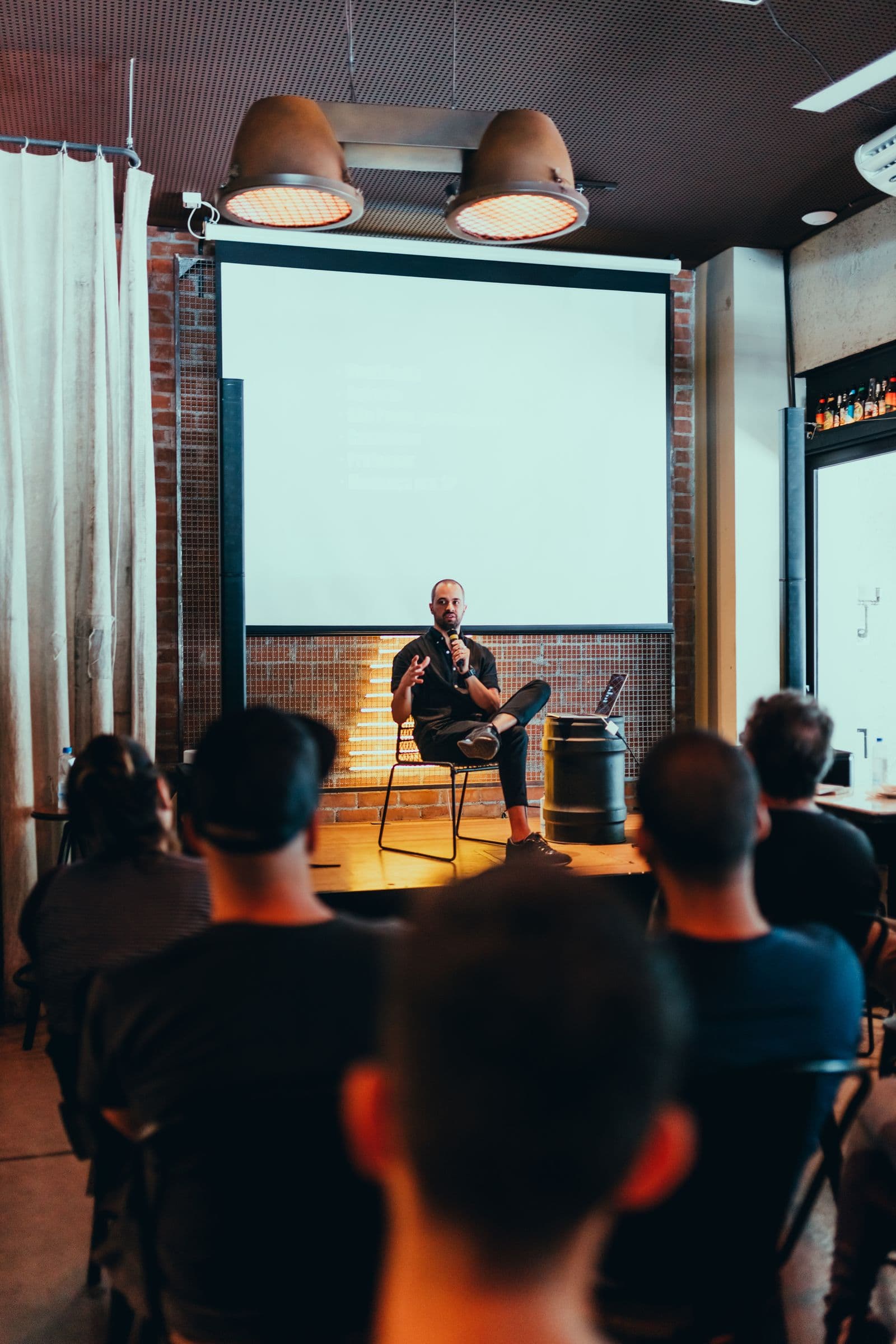
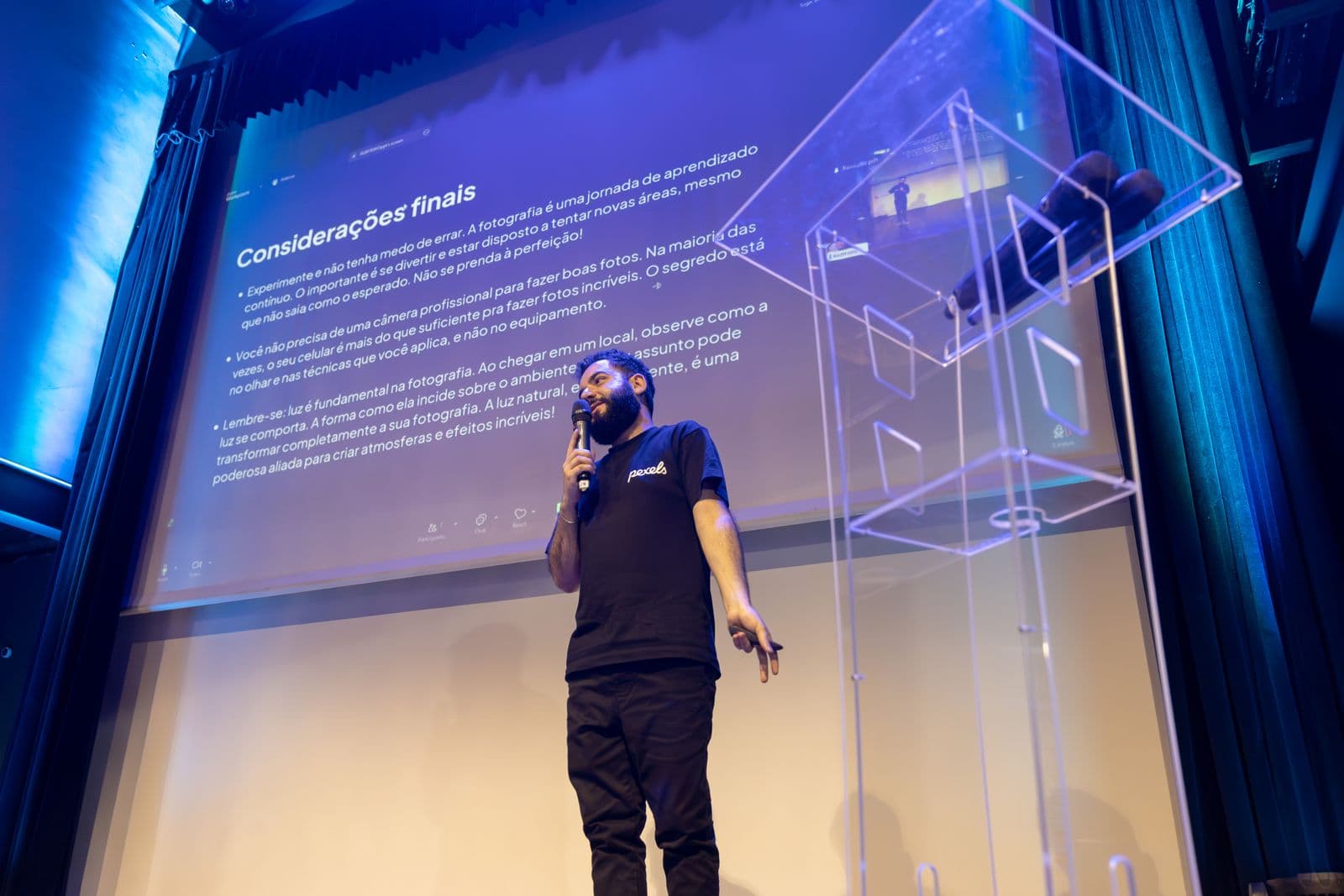
Projection and LED walls suit different rooms and content. Share your slide format, videos, and any live camera needs. Ask how presenters will connect and how files will be collected and checked ahead of time.
4. Plan sound and lighting together
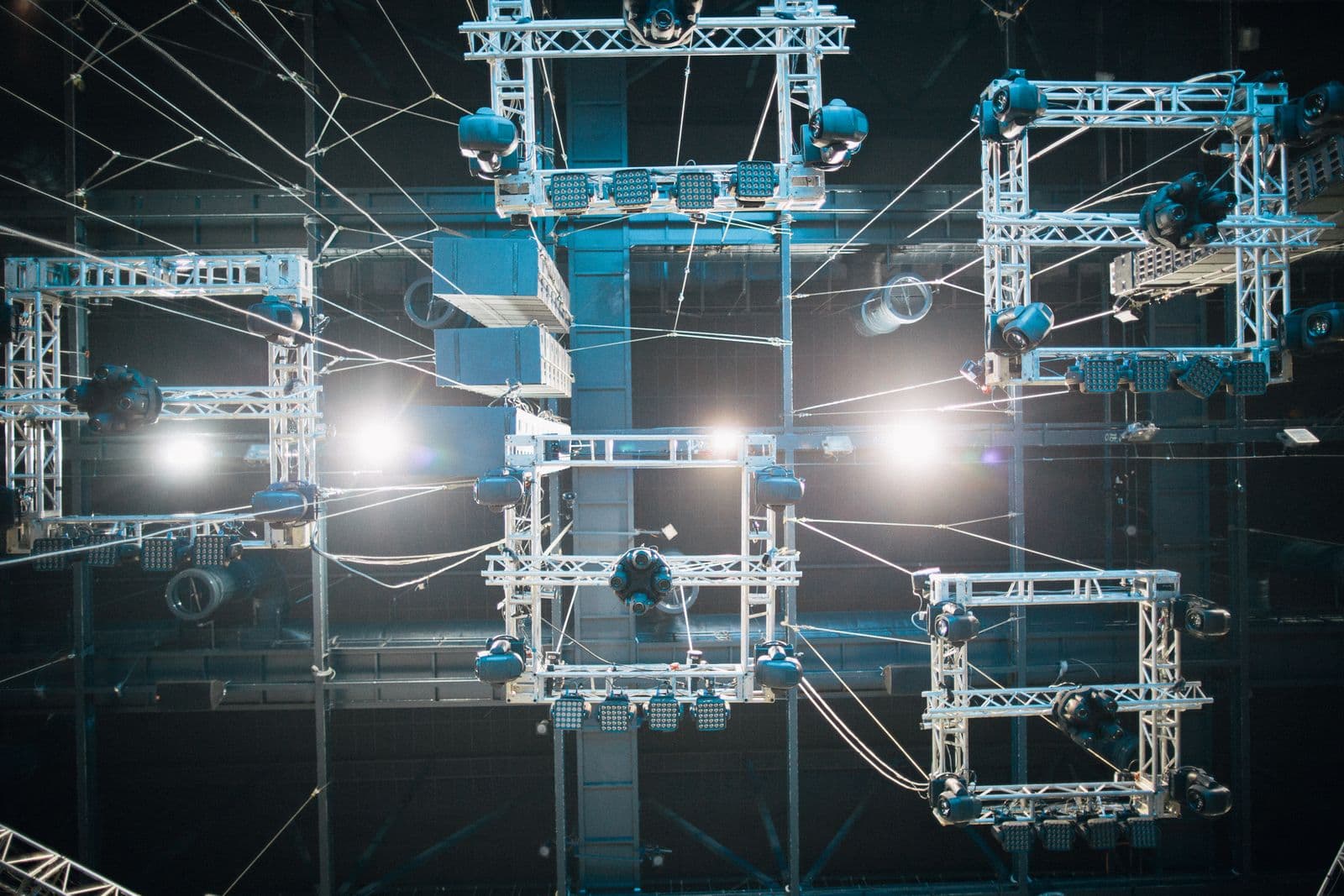
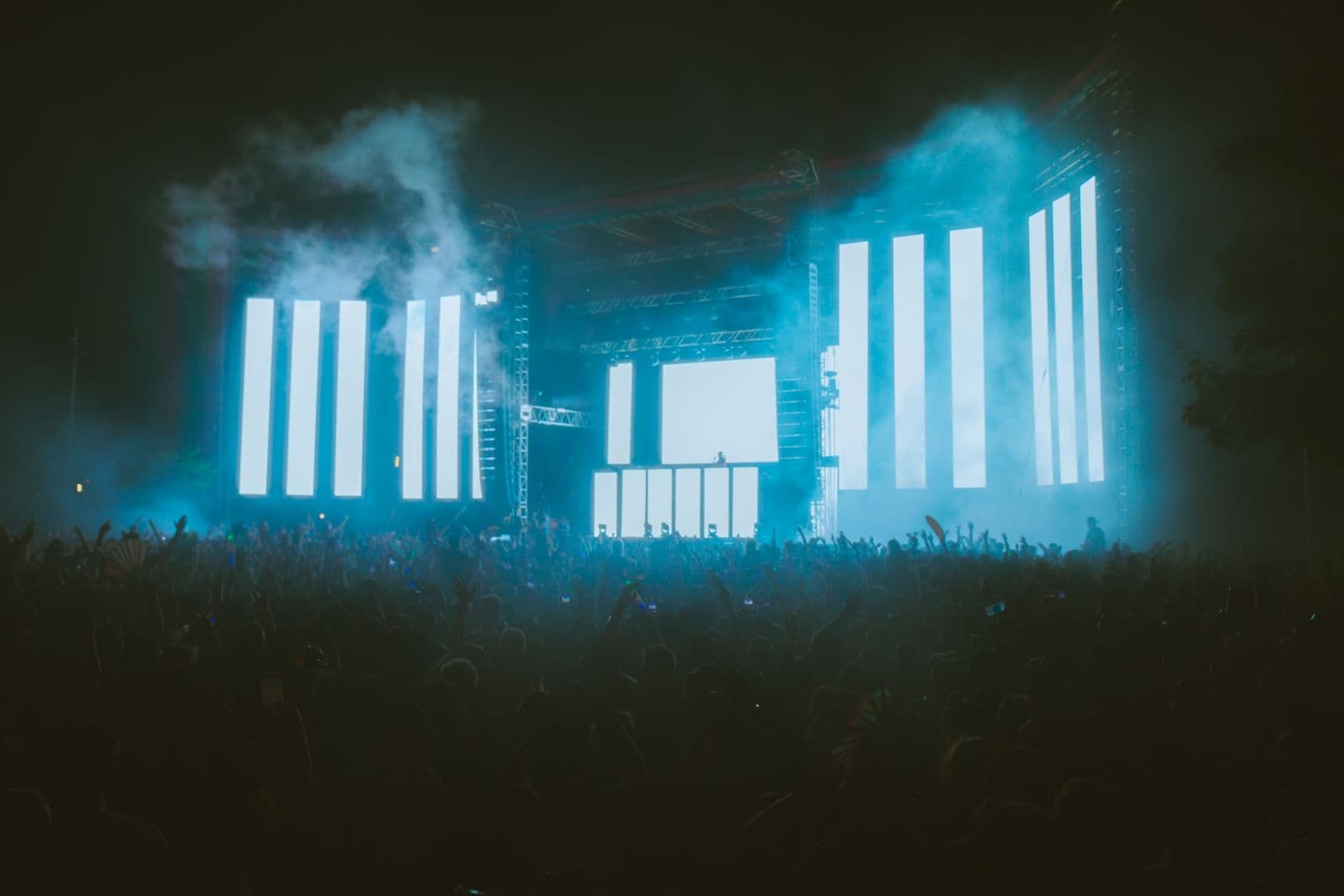
Good speech audio and flattering stage lighting make presenters look and sound their best, and make video capture better. Lighting can also support branding through color.
5. Schedule a rehearsal
A short tech rehearsal with the real slides and microphones catches most problems. Build time for it into the schedule, and have a plan for last-minute content changes.
6. Staff the show
Decide who will run audio, video, and lighting, and who is the single point of contact on event day. We can coordinate technicians and a production manager so you are not juggling vendors.